Contact me.
info@99plussystem.com

Factory Workshop Tool & Key Tracking — Modular Smart Key Cabinet Deployment
Track workshop keys and shared tools with a modular smart key cabinet. See how factories cut tool loss, fix shift handovers, and meet audit trails. Get a layout quote.
On a production floor, keys and shared tools move constantly between operators, maintenance technicians, shift leaders and external contractors. Keys to the electrical room, compressor station, server closet and material warehouse get handed over at shift change, passed between repair teams, and sometimes left on a workbench until someone notices they are missing.
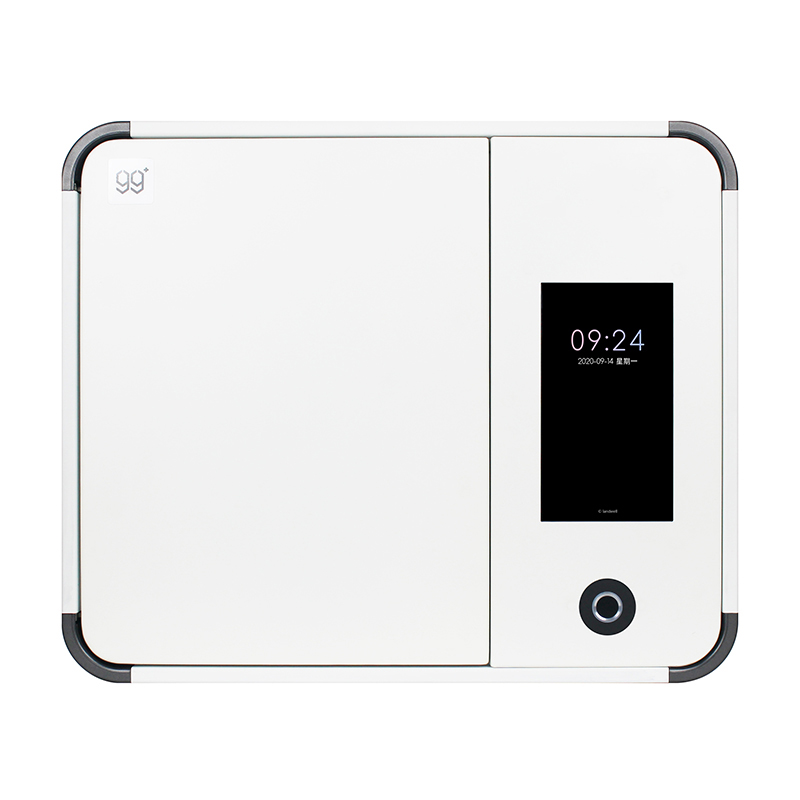
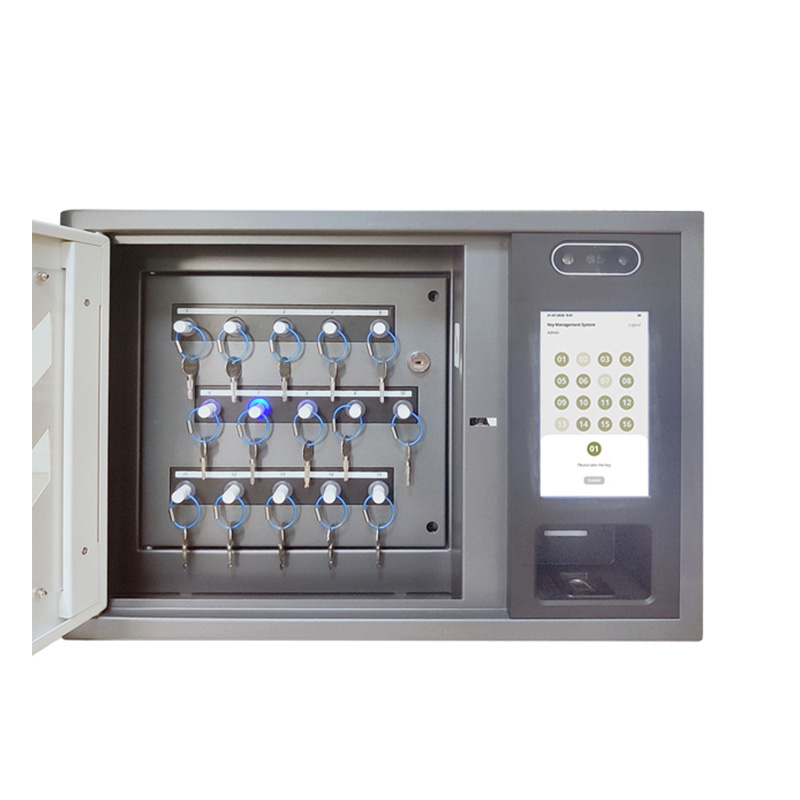
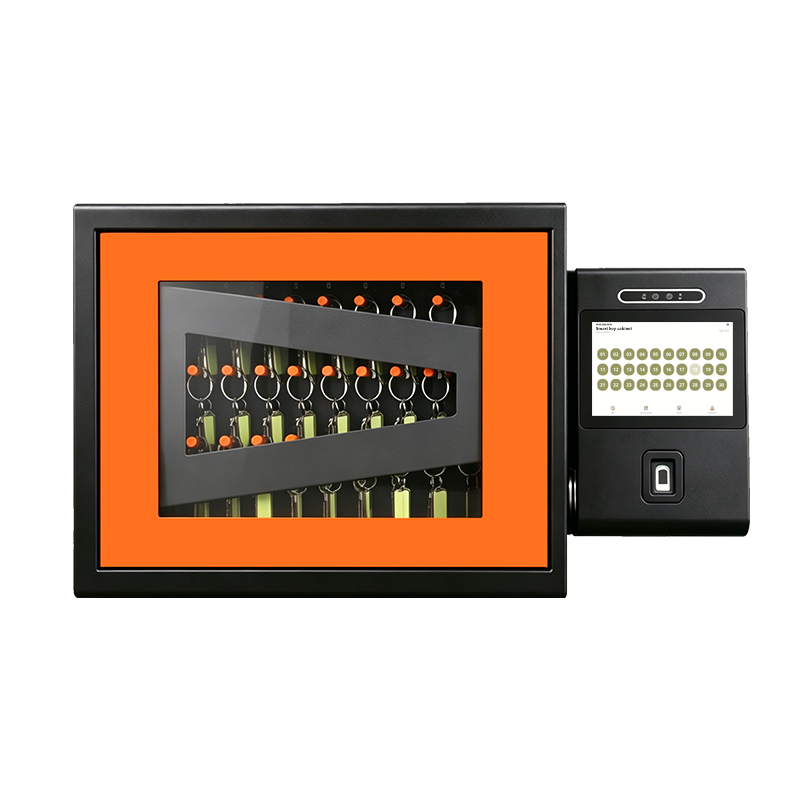
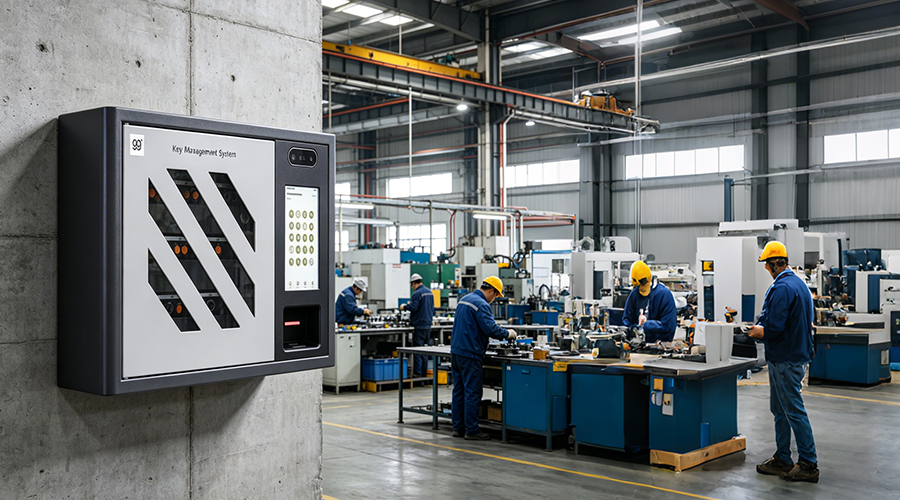
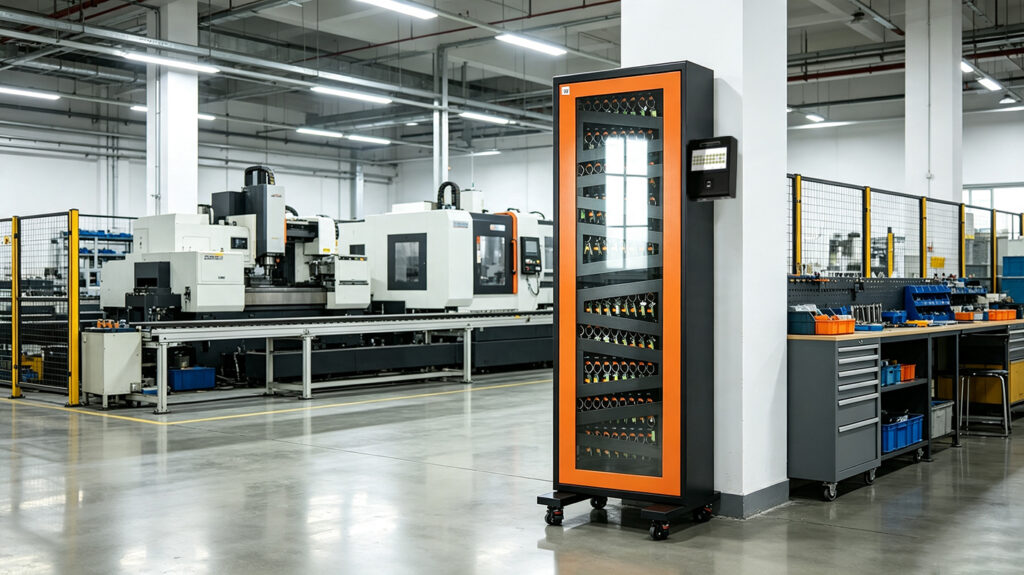
A modular smart key cabinet brings this movement under control: each restricted-area key and tagged shared tool sits in a dedicated bay, released only after verified identity, with every checkout and return logged to the cloud. This guide walks through the real key and tool tracking problems factory workshops face, how modular cabinet deployment solves them without an all-at-once investment, and what a rollout looks like in a working plant.
The Real Key and Tool Problems on a Production Floor
Shift handovers leave accountability gaps
Most factories run rotating shifts. A night technician returns the electrical room key to the morning supervisor informally, with no written record. If an unauthorized access or equipment fault is reported later, the plant cannot confirm who held the key during that window. Paper handover sheets are filled in a hurry, left incomplete, or lost between shifts.
Shared tools and restricted keys get misplaced
Expensive impact wrenches, measuring instruments and room keys circulate among crews. Without individual tagging, nobody knows which tool or key is with whom. Lost maintenance tools delay repairs; misplaced restricted-room keys block urgent access during breakdowns.
External contractors enter and leave the site constantly
Maintenance contractors, installation teams and auditors arrive for short jobs. Traditional key control issues them physical keys that may not be returned, and no record survives of which restricted areas they entered.
Audit and safety reviews need clean records
Industrial sites are subject to internal safety audits and, in many regions, regulatory inspections covering restricted-area access. Reconstructing who entered the electrical or utility room on which date usually means digging through notebooks and spreadsheets — exactly the evidence standard electronic logging was built to replace.
Why Modular Deployment Fits Growing Workshops
Factories rarely size their key and tool inventory once and never change again. New production lines, added workshops, seasonal crews and contractor programs all change what needs tracking over time.
A modular smart key cabinet avoids the common mistake of buying an oversized fixed locker up front. The approach:
Start with what you actually track today. A single cabinet with enough key bays for current restricted-room keys and high-value shared tools. As production expands, add extra key modules and bays to the same unit rather than replacing the whole cabinet.
Scale by area, not by guesswork. One bay group per workshop area: electrical, maintenance, warehouse, tool room. Permissions follow the area, so an operator in line A cannot reach keys assigned to the compressor station.
Pilot in one workshop, then extend. Roll out to the most problem-heavy area first — usually the main maintenance room or the electrical bay. Once supervisors see the daily logs and reduced tool loss, extend to other workshops on the cloud platform without retraining headquarters staff.
How a Smart Key Cabinet Tracks Factory Keys and Tagged Tools
Identity verification before release. Operators and technicians authenticate with RFID badge, fingerprint or PIN before the assigned bay opens. Contractors can be given time-limited credentials that expire after their job order ends, so a physical key never stays in external hands.
RFID-tagged keys bound to dedicated bays. Every restricted key carries an RFID tag locked to its slot. If a key is returned to the wrong bay, the cabinet rejects the return and shows an on-screen prompt. This prevents the cross-shift mix-ups common with look-alike keys.
Cloud logging with timestamps. Each checkout and return is saved to the cloud platform with user identity, key or tool ID, time and location. Records are time-stamped and held in the system; there is no informal side-channel for a key to leave without a log entry.
Overdue and abnormal alerts. The platform flags a key or tool not returned by its expected time, repeated failed authentication attempts, or a checkout outside working hours. The maintenance supervisor can act early, instead of discovering the loss at the next shift count.
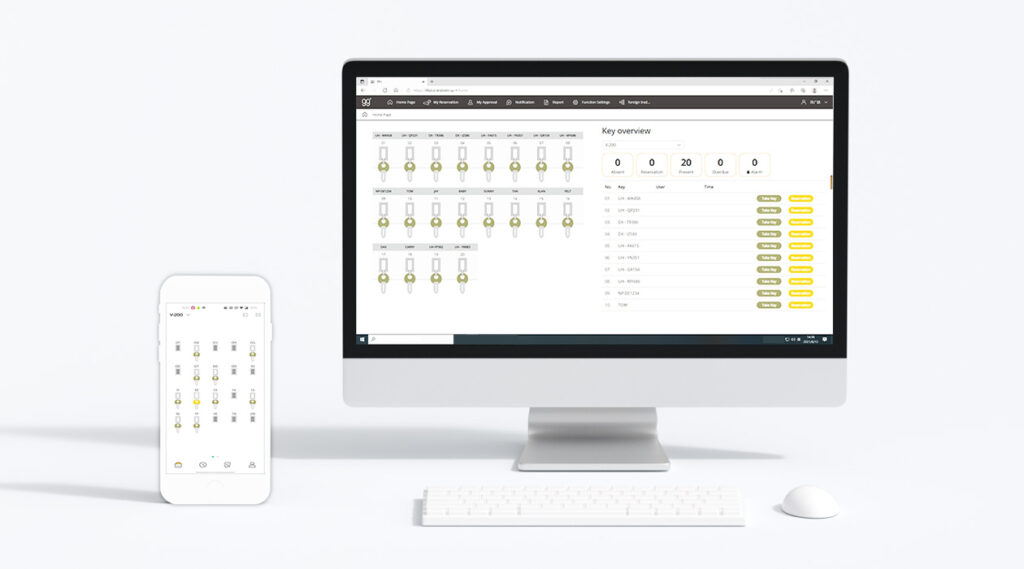
Central oversight across workshops. All cabinets in the plant connect to one web dashboard. Plant management sees key and tool status across workshops from one screen, and can adjust permissions when crews transfer between lines. The iOS and Android app lets supervisors check status while walking the floor.
Open API integration. The cabinet system supports open API connection, so key and tool access records can sync with existing plant maintenance software or CMMS workflows where the customer’s IT team chooses to integrate.
Typical Deployment Setup for a Factory
- Zone 1 — Electrical & utility rooms: restricted keys requiring two-factor style verification (badge plus PIN or fingerprint), used by authorized maintenance technicians only.
- Zone 2 — Maintenance tool room: high-value shared tools tagged and tracked alongside workshop keys, issued to technicians per job order.
- Zone 3 — Warehouse & stockroom: keys and access for material handlers, controlled by role and shift.
- Contractor access: time-limited PIN or temporary badge credentials, valid only during the contracted visit window, with full checkout/return records.
What 99Plus Brings to Industrial Rollouts
99Plus modular smart key cabinets are built for 24/7 plant environments:
- Multiple authentication modes: RFID badge, fingerprint, and PIN for tiered access by role and sensitivity
- Cloud web management platform plus iOS / Android mobile app for floor-side and remote oversight
- RFID key tags with bay validation to prevent wrong returns
- Configurable overdue and abnormal access alerts
- Modular expandable bays, supporting a small pilot cabinet and later expansion
- Multi-language interface for international plants and mixed-language crews
- Open API for integration with existing plant software
- ISO-certified manufacturing, 10+ years in the industry, deployments in 100+ countries, with global after-sales support
FAQ
Q: Can we start with one workshop and add more cabinets later? A: Yes. The modular design lets you begin with a single cabinet sized to current keys and tools, then add key modules or additional cabinets on the same cloud account. New units appear on your existing dashboard automatically.
Q: How are short-term contractors handled? A: Contractors receive time-limited credentials (temporary PIN or badge) valid only for their contracted visit window. The system logs their checkouts and returns, and access expires automatically when the job order ends.
Q: Does the cabinet work if the plant network drops? A: The cabinet stores transactions locally when offline. Logs sync to the cloud automatically once the network connection recovers, so records are not lost during an outage.
Q: Can access rules differ by workshop or production line? A: Yes. Role-based permissions let you set different rules per area: maintenance technicians, operators, warehouse staff and contractors each see only the bays assigned to their role.
Q: Can key and tool records connect to our existing maintenance software? A: We provide open API for integration. Your IT team can sync checkout and return records into existing CMMS or maintenance management workflows.
Ready to Plan Your Workshop’s Modular Key Cabinet Layout?
Scattered keys, misplaced shared tools and undocumented shift handovers quietly waste maintenance time and create audit gaps. A modular smart key cabinet gives your plant verified access, time-stamped records and alerts — starting small and expanding as the shop floor grows.
Contact the 99Plus industrial solutions team to review your workshop areas, current key and tool inventory, and deployment timeline. We will propose cabinet sizing per zone and a phased rollout plan for your facility.
[Contact 99Plus for a Manufacturing Key Management Assessment →]